~/notes / projects
k8s-env, Part 2: Letting ArgoCD Drive
Projects — all notes
In the last post I got k8s-env to the point where two scripts turn a blank Ubuntu VM into a working single-node cluster. The next annoyance showed up immediately: every time I wanted something running on it, I was back to typing commands by hand. kubectl create namespace, kubectl apply -f the deployment, kubectl apply -f the service, then edit something and apply it again.
The fix is GitOps. Put the manifests in a Git repo, point ArgoCD at it, and let ArgoCD make the cluster match whatever is in the repo. I push a commit, the cluster follows.
I used this Medium post by Patil97 as the reference, since it’s written for a kubeadm cluster like mine.
Installing ArgoCD
ArgoCD gets its own namespace, and the install is a single manifest from the project’s stable branch:
kubectl create namespace argocd
kubectl apply -n argocd -f https://raw.githubusercontent.com/argoproj/argo-cd/stable/manifests/install.yaml
Then wait for everything to come up:
kubectl get pods -n argocdAll pods Running means the install is done.
Reaching the UI
Out of the box, argocd-server is a ClusterIP service, so it’s only reachable from inside the cluster. For a quick way in, I switched it to a NodePort:
kubectl patch svc argocd-server -n argocd -p '{"spec": {"type": "NodePort"}}'
kubectl get svc argocd-server -n argocd
A NodePort opens the same port on every node’s IP and forwards it to the service. On a single-node cluster, that just means the UI is on the VM’s IP. Mine sits on port 30705, so it’s at <node-ip>:30705 from my laptop.
The username is admin. The initial password is generated during the install and stored in a secret:
kubectl -n argocd get secret argocd-initial-admin-secret -o jsonpath="{.data.password}" | base64 -dConnecting a Private Repo
The manifests live in a private GitHub repo, k8s-single-node-cluster. ArgoCD has to be able to clone it, so it needs credentials.
I created a separate SSH key just for ArgoCD instead of reusing my own:
ssh-keygen -t ed25519 -f ~/.ssh/<key-name> -N ""It has no passphrase on purpose. ArgoCD reads the private key and uses it unattended, so there’s nobody around to type one in. This is the same reasoning as the dedicated key in the last post: if I need to get rid of it, I can revoke this one key without touching anything else.
The public key goes into GitHub as an SSH key on my account. The private key goes into ArgoCD from the UI under Settings → Repositories, connecting over SSH with the repo’s git@github.com:... URL.
The Test Manifests
To check the whole loop end to end, the repo has three test manifests under yaml-files/: a namespace, an nginx deployment, and a service in front of it.
# yaml-files/namespace.yaml
apiVersion: v1
kind: Namespace
metadata:
  name: web-apps
  labels:
    environment: production
# yaml-files/deployment.yaml
apiVersion: apps/v1
kind: Deployment
metadata:
name: nginx-deployment
namespace: web-apps
labels:
app: nginx
spec:
replicas: 2
selector:
matchLabels:
app: nginx
template:
metadata:
labels:
app: nginx
spec:
containers:
- name: nginx
image: nginx:1.25
ports:
- containerPort: 80
name: http
resources:
limits:
cpu: "500m"
memory: "256Mi"
requests:
cpu: "250m"
memory: "128Mi"# yaml-files/service.yaml
apiVersion: v1
kind: Service
metadata:
name: nginx-service
namespace: web-apps
spec:
type: ClusterIP
selector:
app: nginx
ports:
- protocol: TCP
port: 80
targetPort: 80Before ArgoCD, getting this running was three kubectl apply commands in the right order, because the namespace has to exist first. Now it’s zero commands.
Creating the Application
An ArgoCD Application ties a path in a Git repo to a destination in a cluster. I created it in the UI under Applications → + New App:
- Application Name:
simplewebapp - Project:
default - Repository URL: the SSH URL of the repo connected above
- Path:
yaml-files - Cluster:
https://kubernetes.default.svc(the cluster ArgoCD itself runs in) - Namespace:
default
The destination namespace is default, but everything ended up in web-apps, and that’s expected. The destination namespace is only used for resources that don’t set a namespace themselves. Both the deployment and the service set namespace: web-apps in their metadata, so that wins, and namespace.yaml creates web-apps in the same sync.
Automated Sync, Prune, Self-Heal
By default, ArgoCD only reports drift between Git and the cluster. You still click Sync yourself. That isn’t the point here, so I turned on all three sync options:
- Automated sync: when the repo changes, ArgoCD applies the change without me clicking anything.
- Prune: if a manifest is deleted from the repo, ArgoCD deletes the matching resource from the cluster. Without this, removed resources hang around forever.
- Self-heal: if someone changes something in the cluster directly (say, a manual
kubectl scale), ArgoCD reverts it to what Git says. Git becomes the only source of truth.
Testing It: 2 → 5 → 2
The test was as simple as it gets. Change the replica count in deployment.yaml, push, and watch the cluster in k9s.
-  replicas: 2
+  replicas: 5
Pushed that, and the deployment scaled up to 5 pods on its own. Then I reverted it:
-  replicas: 5
+  replicas: 2
Pushed again, and it scaled back down to 2. No kubectl involved either time.
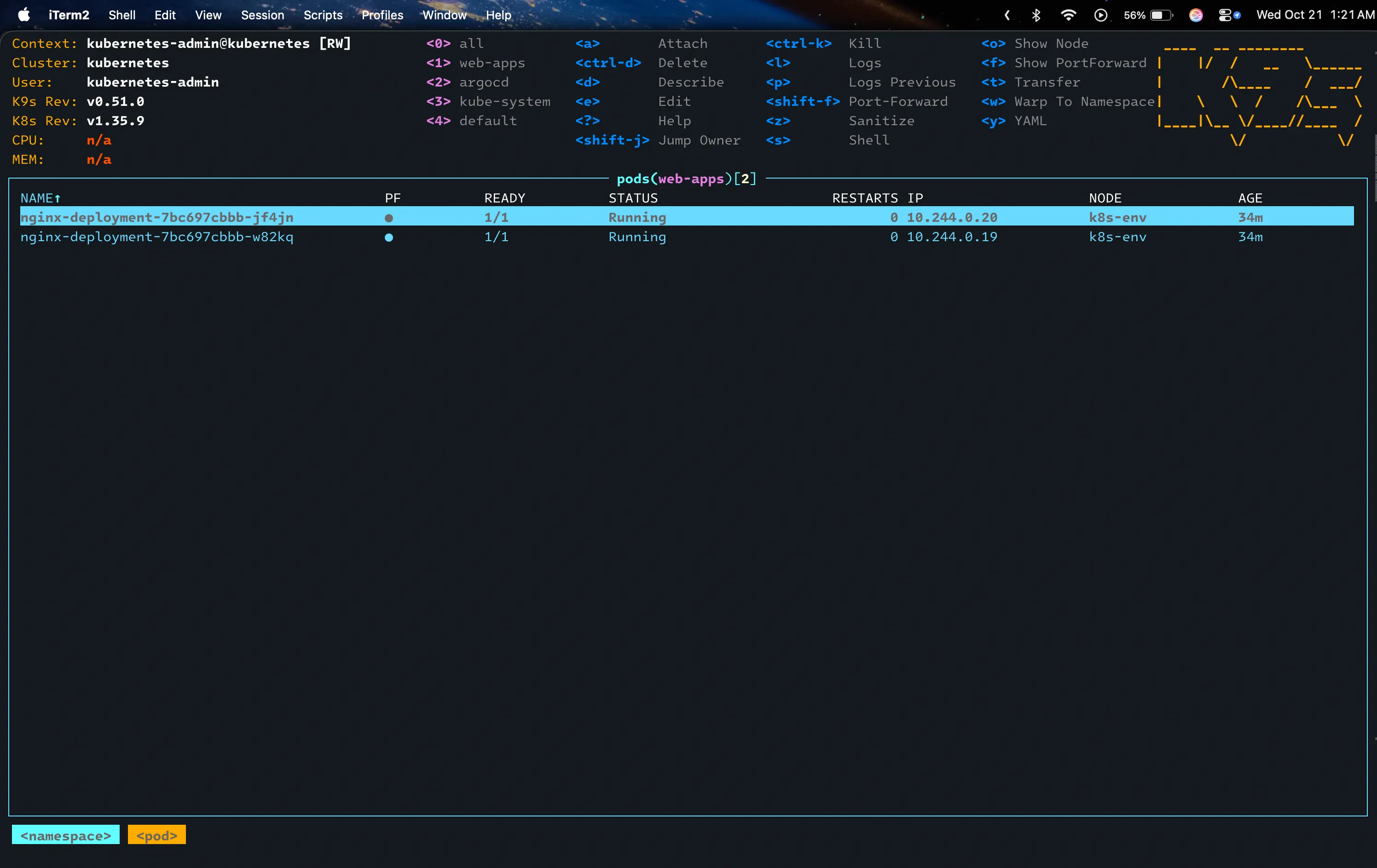
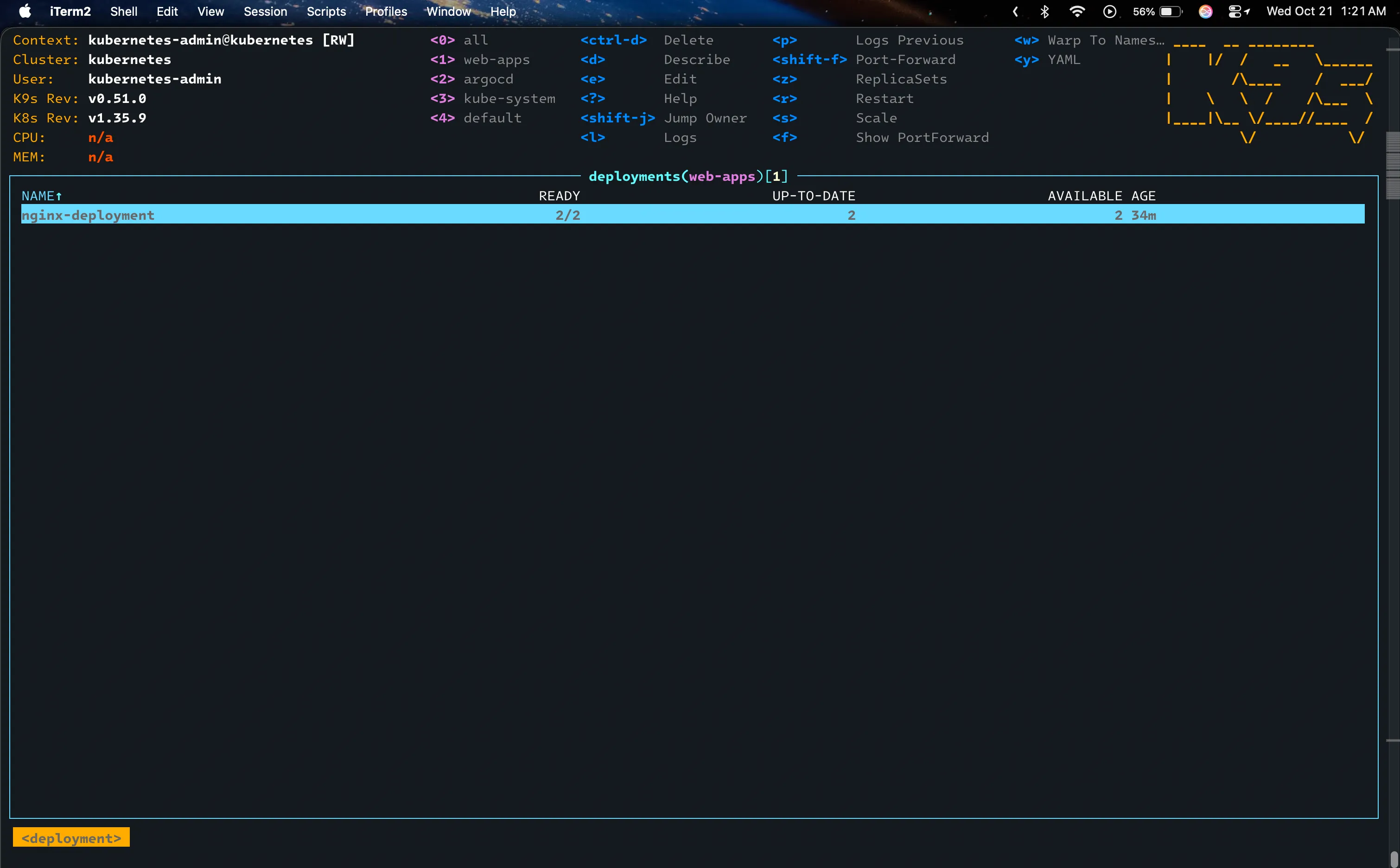
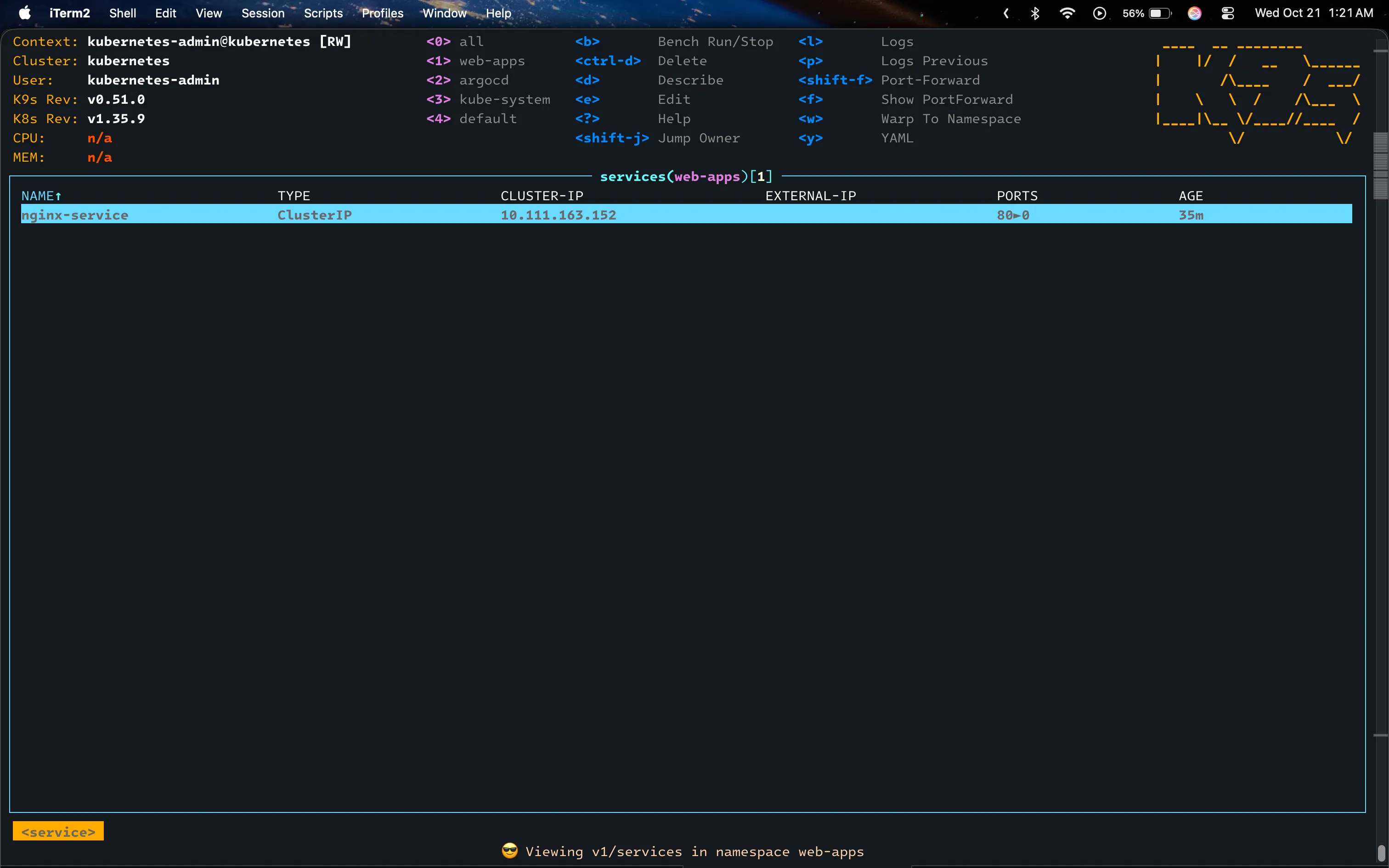
Here’s what web-apps looked like in k9s after the test, back at two replicas:
What’s Next
The nginx test proved the loop works. Next I want to put something real through it. I’m working on a dev project that I’ll package as a Docker image and deploy to this cluster. I’ll define its deployments, services, ingresses and everything else it needs in the repo, and ArgoCD will handle the rest. That will be its own post.
Conclusion
The cluster is now managed from a Git repo. Adding something to it means writing a manifest and pushing, and backing out a change means git revert. The nginx manifests are just there for testing, but the setup doesn’t care what’s in yaml-files/, so anything real I put on this box from now on goes through the same loop.